Revamped search and leads
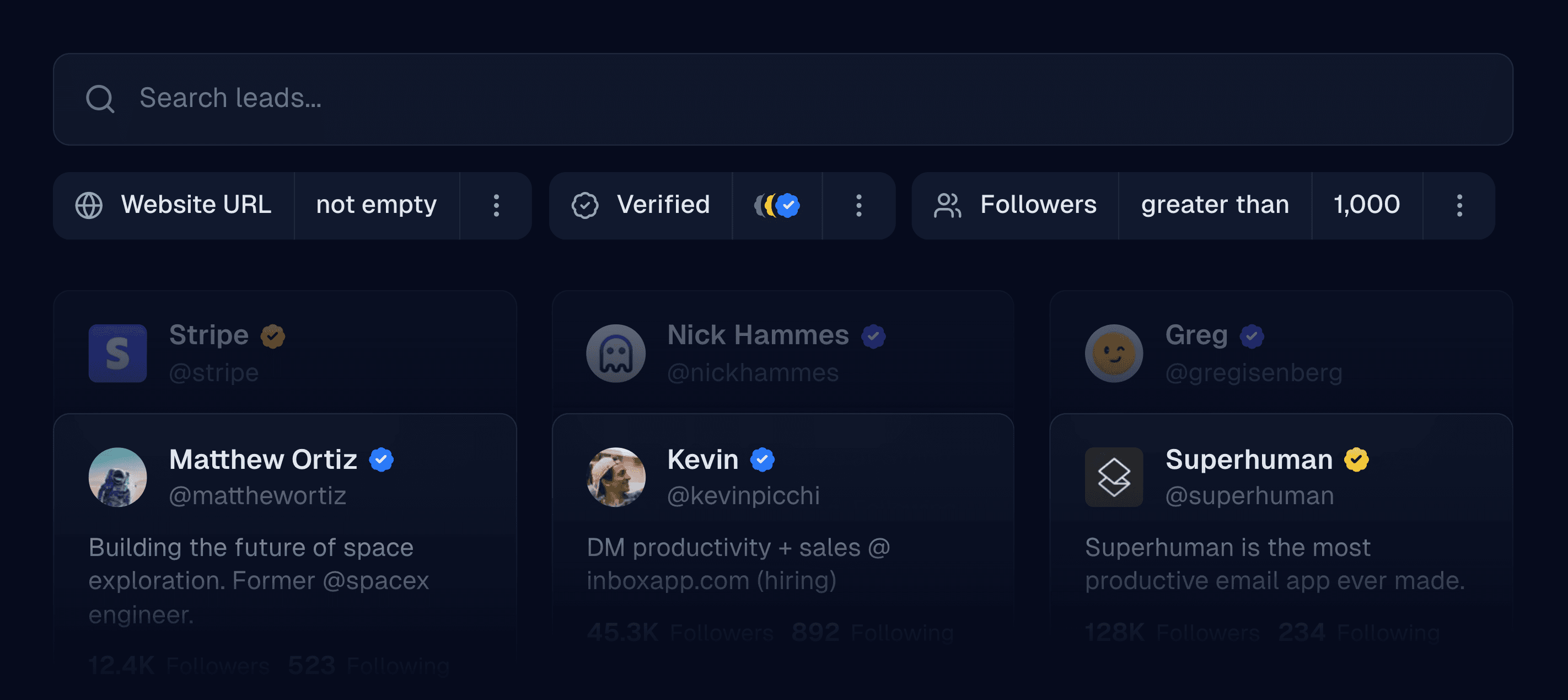
Upgraded leads
We’ve spent the past month focused on significantly improving the experience with leads—everything from searching our prospect database, uploading CSVs, scraping from a user’s followers, and more.
New properties
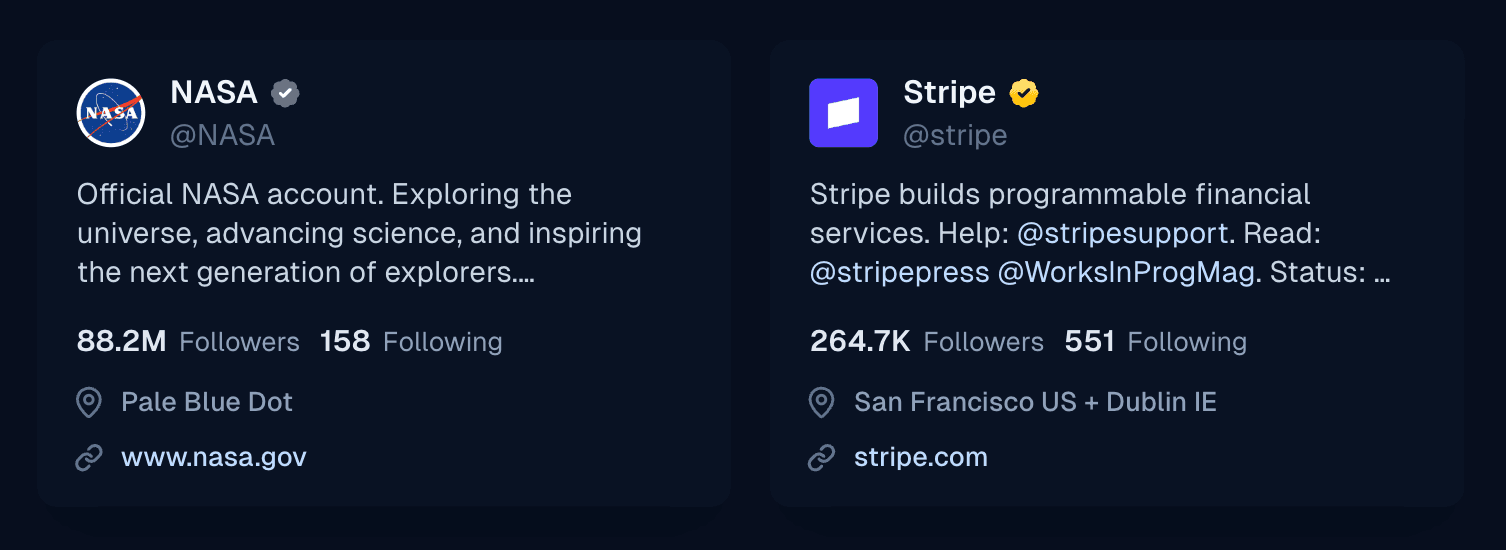
Inbox now displays business and government accounts in leads, as well as throughout the entire app. Leads now include profile links, and we’ve added support for handles, hashtags, and cashtags in bios across the app.
New filters (currently in beta)
Leads can now be filtered by verification type, website URL (including domain filtering), and profile type (personal, business, or government accounts). This feature is currently in beta, so some results may be stale for the first approximately seven days.
Improved concurrent imports
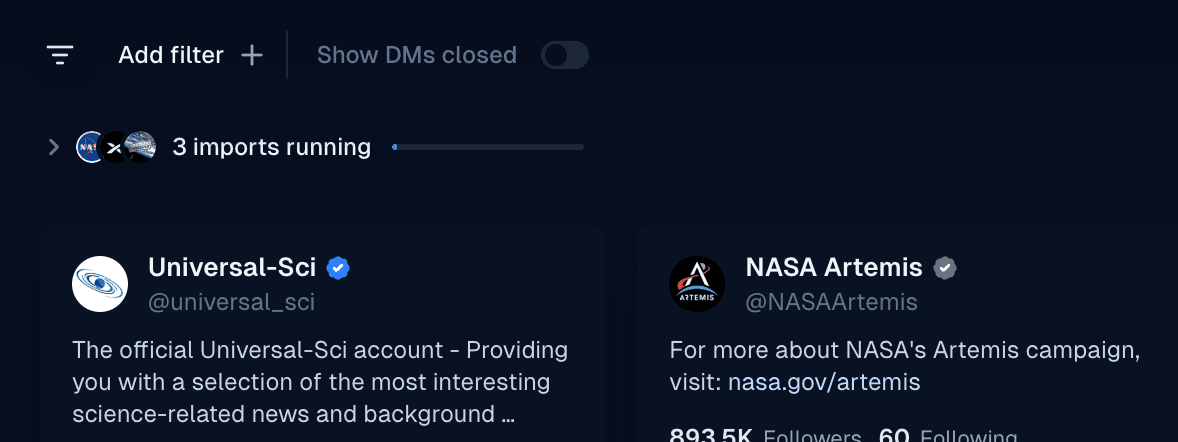
We've significantly enhanced visibility when importing from multiple sources simultaneously. The displayed imports now feature a combined progress bar and can be expanded to manage each import individually.
We've also made CSV uploads and importing from our prospect database much faster.
Better search
You can now search for handles, hashtags, and more terms that contain special characters in a person’s bio. Previously, filtering users by bio contains “@google” was unsupported.
Selected lead actions have moved
When selecting leads, a menu will now appear from the bottom of the screen containing actions.
Performance improvements for large lists
We’ve made filtering and searching large lists (anywhere from 100K to 2M profiles) much more performant.
Support for bulk-archiving conversations
You can now more easily clean up your inbox by heading into Settings → Threads, and bulk archiving your conversations across all or only specific accounts.
General performance improvements
Inbox is now considerably more performant for teams with lots of conversations, lists, and campaigns.