Reminders for threads
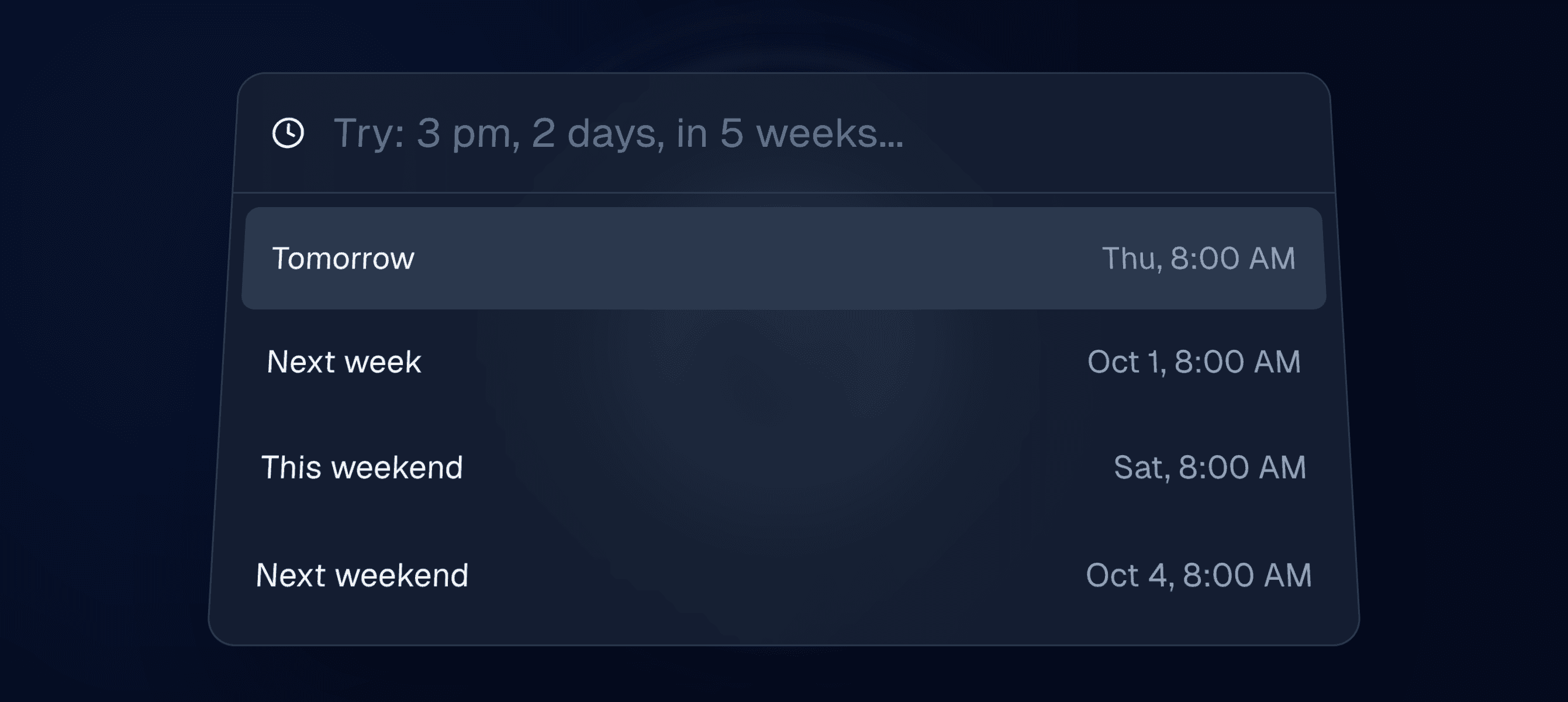
**Reminders for conversations have arrived. **Reminders automatically mark a thread as done, and it will reappear in your inbox if the other person hasn’t replied by the specified time.
Simply right-click on your conversation and select "Remind me…" or use the H shortcut when in a thread.
Do more from right-click menus
We've added more functionality to context menus when navigating threads. You can now change statuses, set an assignee, assign tags, and more—directly from the right-click menu.
Save leads segment to a new list
We've made it easier to save your filtered view when searching in a list. You'll now see an option to save your current filtered segment as a new list.
Campaign list and prospect improvements
Lists
We've improved several flows for creating campaigns and simplified the refreshing of campaign lists when updates occur. Prospects will refresh in the background and will be targeted as soon as they are ready.
Prospects
We now display a "ready" column in the stages view. Prospects eligible for messaging, with their DMs open, will be moved to this column before a campaign begins sending messages to them.
Prospects with closed DMs will be quietly filtered out from "pending" and will not appear in this column.