Introducing the Inbox API
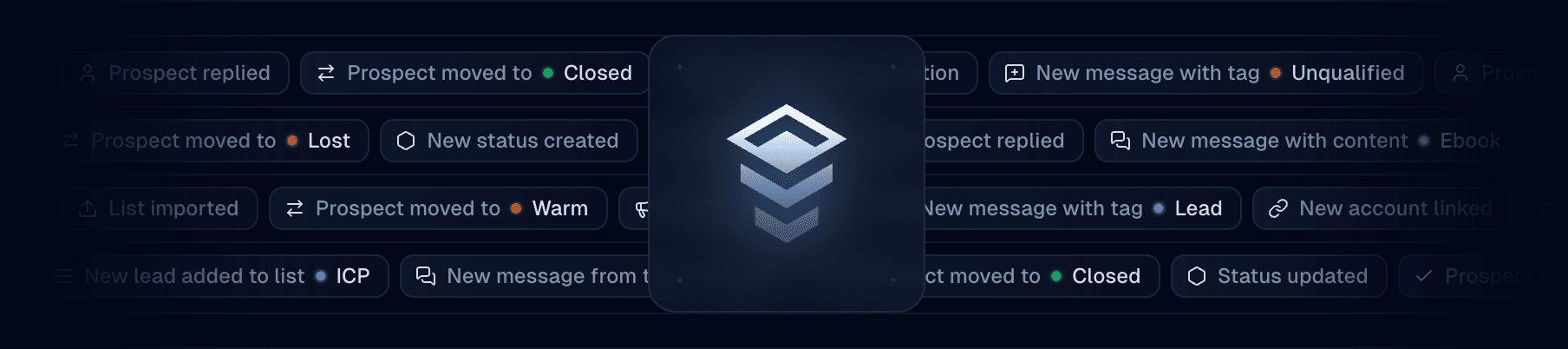
Programmatic access to your entire Inbox workspace is now available. Send DMs, manage prospects, sync with your CRM, build automations — all through a single REST API.
What you can do
The API covers the following:
Threads — Create, list, look up, update, and delete DM conversations. Look up threads by prospect username or platform ID.
Messages — Send messages, reply to specific messages, edit, delete, and add reactions. Use quick send to create a thread and send a message in one call.
Prospects — Look up prospect profiles, read enriched data (bio, follower count, verification status), and manage context — tags, pipeline status, notes, and valuation.
Tags & statuses — Full CRUD for your team's tags and pipeline statuses. Organize prospects programmatically.
Team & members — Fetch team info, list members, and check account links.
Events — Replay up to 7 days of webhook events via the Events API.
Send a DM in one request
Quick send finds or creates a thread and sends the message in a single call:
Webhooks: 3 events → 32
Previously, webhooks only supported three campaign target events (targetContacted, targetFollowUpSent, targetReplied) with a legacy payload format.
Now there are 32 event types across 7 categories: threads, messages, prospects, tags, statuses, campaigns, and targets.
The new payload schema includes sequence numbers for ordering, unique event IDs for deduplication, and full prospect context (tags, status, notes, valuation) in every event.
If you're on the old format, you can switch over at any time by selecting a webhook in Settings → Webhooks and clicking on “Switch to latest.”
What you can build
Outreach automation — Import a list of leads and send personalized DMs at scale. The API handles thread creation and message delivery; you control the content and pacing.
CRM sync — Subscribe to message.created and prospect.statusChanged webhooks to keep HubSpot, Salesforce, or your internal tools in sync with every conversation.
AI-powered replies — Listen for incoming messages via webhooks, run them through your LLM, and post responses back through the API. Qualify leads, answer questions, route to your team when needed.
Lead qualification — Pull prospect data (follower count, bio, verification status) and automatically tag or assign pipeline stages based on your criteria.
Team routing — Use thread.created webhooks to assign new conversations to team members based on keywords, prospect attributes, or round-robin logic.
Custom dashboards — Query threads, messages, and prospect context to build analytics — response rates, pipeline velocity, team performance — tailored to your workflow.
Getting started
-
Generate an API token in Settings → API
-
Set it as an environment variable:
export INBOX_API_TOKEN="your_token_here" -
Make your first request:
Resources
Send your first DM in 5 minutes
Understand threads, prospects, and the data model