WhatsApp has arrived
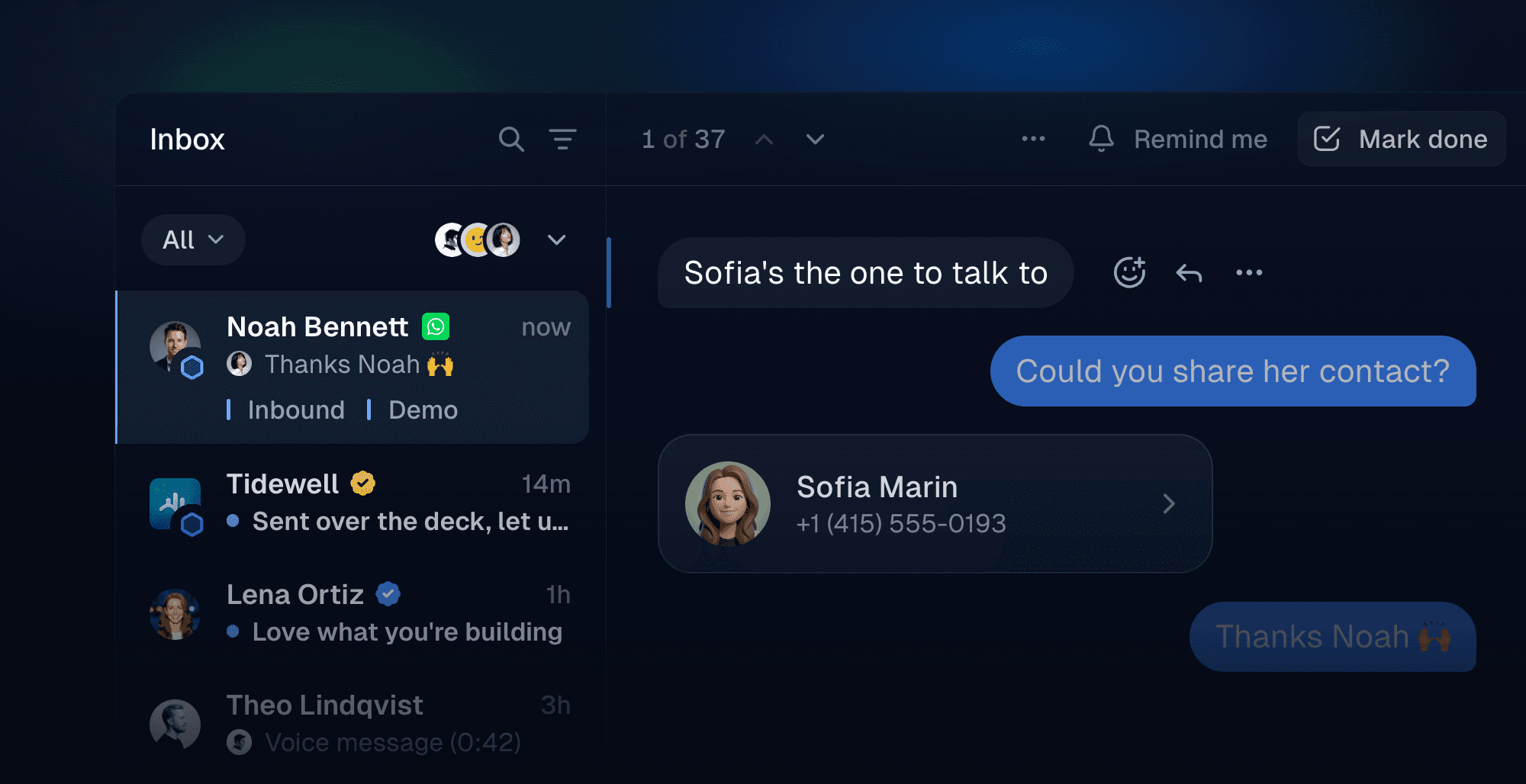
WhatsApp is now available on Inboxapp. Go to Settings → Accounts, click Link next to WhatsApp and scan the QR code with your phone. Your chats land in the same inbox as X and LinkedIn, with the same pipeline, statuses, tags and assignees your team already uses.
Everything you expect from a WhatsApp chat
Reply, react, edit and unsend. Send photos, videos and files, see when someone is typing, and edit or unsend a message right from Inboxapp. Read state stays in sync with your phone.
Start new conversations
Message people you haven't talked to yet. Search by name or phone number to find someone on WhatsApp and send them a first message.
One contact across every platform
Merge a WhatsApp profile into an existing contact. If someone you know on X or LinkedIn messages you on WhatsApp, merge their profiles from the Contacts page so their tags, notes and history stay together.
Views
Build a view for anything. Click Add view in the sidebar, give it a name and filter by tags, status, assignee or platform. Inboxapp picks an icon as you type, and your view lands in the sidebar with every matching conversation.
Pin what you use to your sidebar. Open your views and drag any of them into the sidebar, including Awaiting reply, Reminders, Scheduled, Unassigned, Untagged and All conversations.
We now filter out spam automatically. New conversations that look like spam skip your inbox and land in a new Spam view. If we get one wrong, mark it as not spam and it moves back.
Narrow a view in one click. Switch between All, Unread, No reply and With archived without leaving it.
Inline search
Inline search filters your list as you type. Press ⌘F or Ctrl+F to search the view you're in, or / to search all conversations, archived ones included.